The Article List Template provides a full-page article list similar to the blog with filters and the option of adding content before the Article List. Options are similar to the Article List Block without the option to select individual posts. Additional options include showing pagination and the sort dropdown.
Default blog pages only list every post with no customization or way to add extra content to the page. Use the article list template instead of setting a default blog page if you want a hero image or content above the post list.
This page is an example of an Article List. The Options are Posts, with the BirdPress category. It is displayed in a grid Layout with three columns, 6 posts per page and the pagination and sort options toggled on.
To use the article list template:
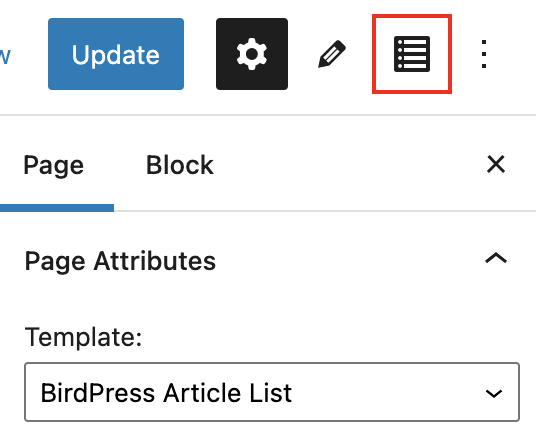
- Create a new page and select BirdPress Article List under Page Attributes > Template.
- Save the page to see the options button in the sidebar.
- Click on the “list view” icon to edit the article list options.