
Blog Set-up
The blog is the default page that displays all of the posts on the website. New posts are added automatically. To create a page that only displays specific posts and/or pages from a category, menu or parent page, see the Article List Template documentation.
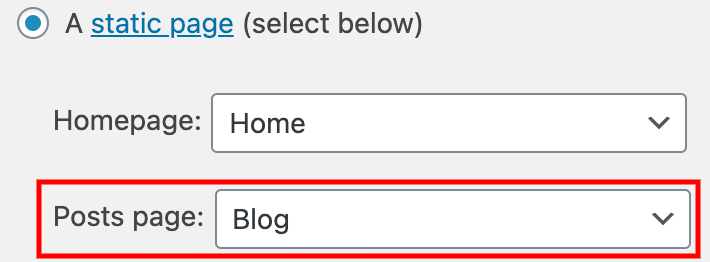
The main blog page can be set up in two places: Settings > Reading or Appearance > Customize > Homepage Settings, both under “Your homepage displays.”
Blog Display
On BirdPress, the blog layout is set up as an article list with global settings. Options for the display of the article list can be found in Customize. See the Article Lists section on that page for more information.
Widget Sidebar
The blog has an optional widget sidebar. This can be edited in Appearance > Widgets in the “Blog Sidebar” widget. The sidebar will not display if there is no content inside of it.
This is an example of a global CTA
Supporting Text for the global CTA