
Neutrally Branded Child Theme
The Neutrally Branded Child Theme takes away some of the Cornell Lab’s branded elements, while still having the BirdPress content editor available.
Differences include:
- Color values stick to a similar color scheme, but are not the same
- Both sans and serif font families come from Google Fonts
- Textured glass hero design is only a transparent dark background with blurring (no texture)
- Leading lines do not animate and are a grayer color
- Default button colors match the chosen theme
Logos
Logos can be removed using the Customize options.
To remove the Lab logo from the header go to Header & Navigation > Lab Logos where you can:

- Replace the default logo with a new logo
- Turn of the logo all together to only show text
- You can add up to three logos on the top of the header in the Partner Logos panel (with or without a Lab logo)
To remove the Lab and/or Cornell logos from the footer go to the Footer panel where you can:
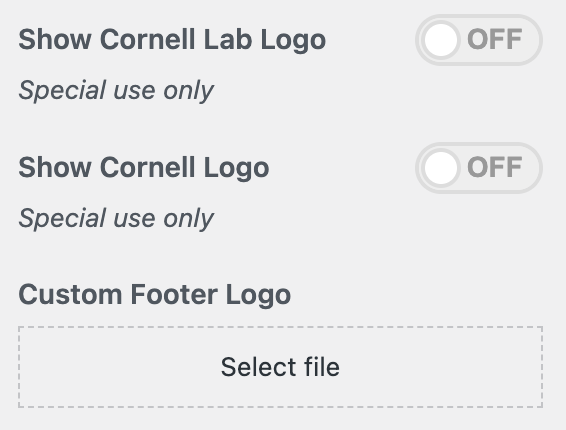
- Hide the Cornell Lab logo
- Hide the Cornell logo
- Use a custom logo in the Lab logo’s place
- You can also change the copyright text (default is Cornell University)
This is an example of a global CTA
Supporting Text for the global CTA